Identify rocks.
Uncover their
story.
An AI rock identifier app for iPhone and Android. Take a photo, compare the suggested identity, and save your finds in a personal collection.
For iPhone & Android · Free download, in-app purchases
Follow your curiosity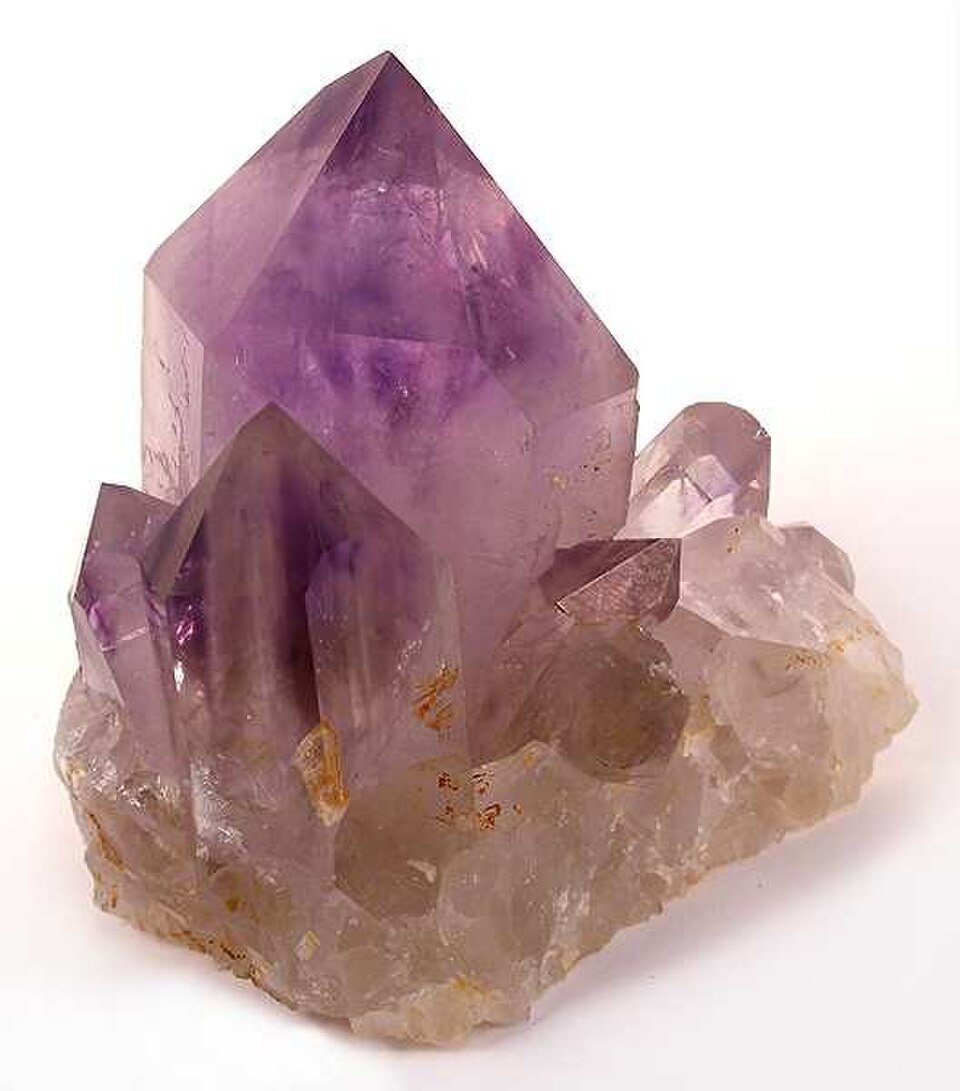
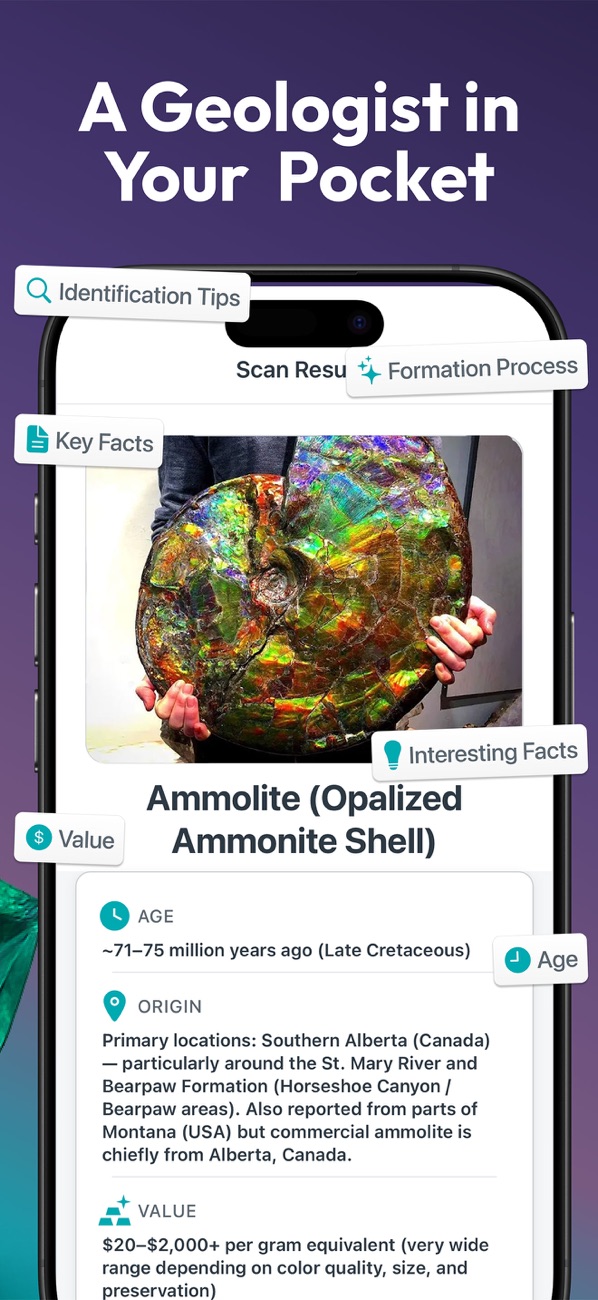
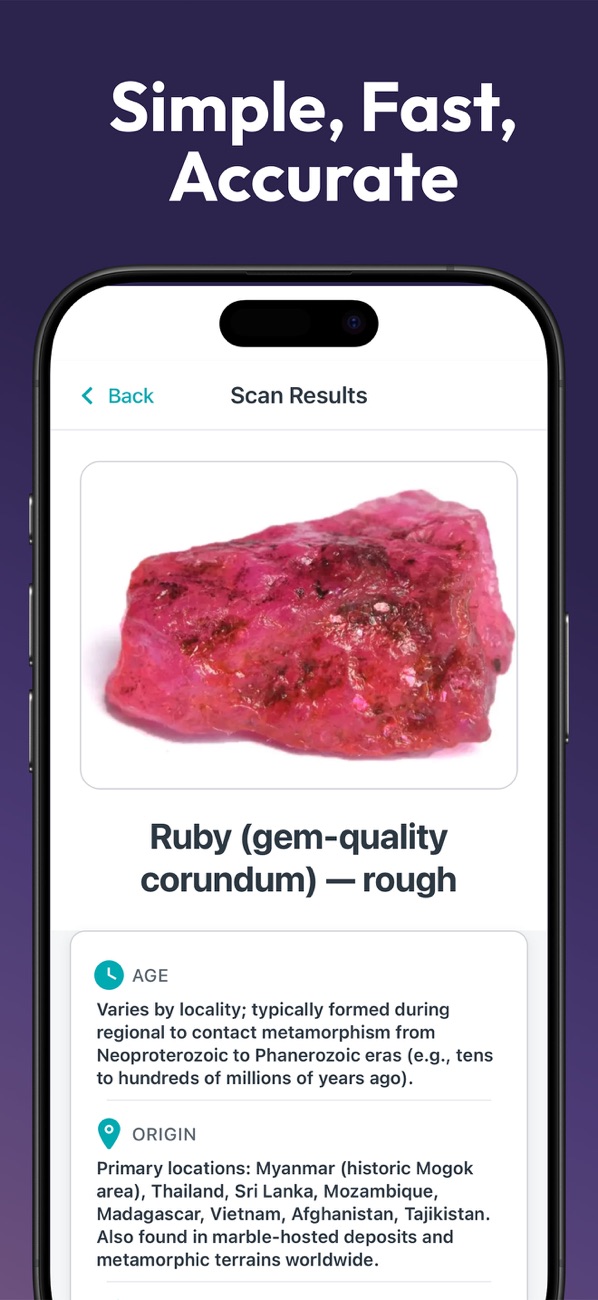
 Gem & Rock IdentifieriPhone App Store screenshots
Meet your
pocket museum.
Photograph a beach find, compare a crystal with its suggested identity, or revisit a saved specimen.
Photo identification
Photograph a rock, mineral, crystal, or gemstone and explore an AI identification suggestion. Compare it with the specimen’s visible properties.
Geological details
Look up the suggested mineral’s properties, formation, and typical origins. These details describe the candidate, not a laboratory analysis of your specimen.
Saved finds and notes
Save specimens in a personal collection and add notes about where you found them and what you observed. Revisit a find when you have more evidence.
How to use the rock identifier app
Spot something.
A curious crystal. A beach pebble. A find on the trail. Pick a specimen you’d like to know better.
Take a photo.
Open the app, frame your specimen in good light, and let AI suggest an identification.
Find its story.
Explore its properties, compare the clues, and save the find to your personal collection.
Photo identification is a starting point. Verify important finds with an expert.
There’s a whole world
beneath your feet.
From the everyday to the extraordinary.
Bring your curiosity. We’ll bring a starting point.
Amethyst
Quartz variety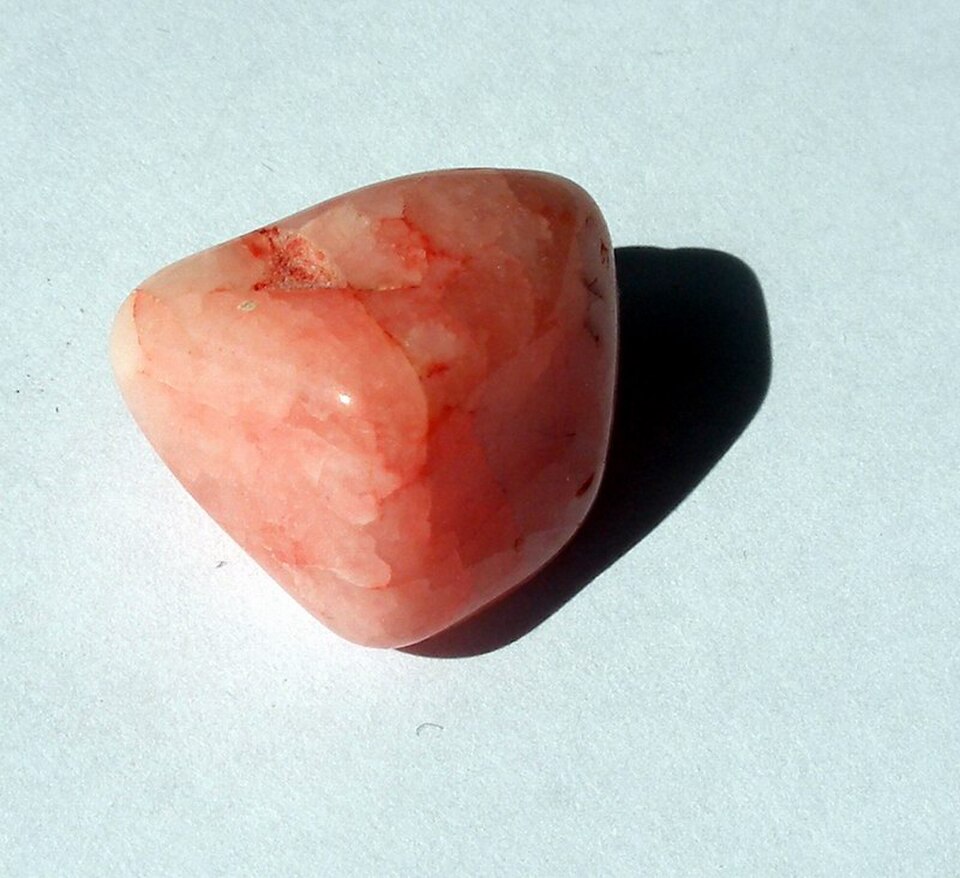
Rose quartz
Quartz variety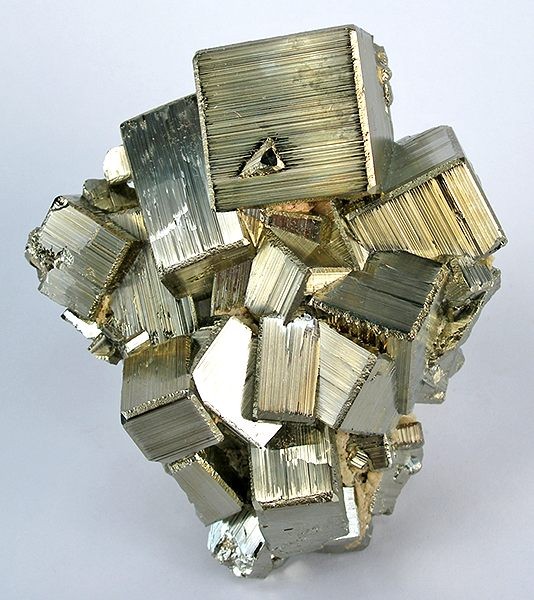
Pyrite
Iron sulfide mineralA few specimens to spark your curiosity. Photography & credits
A little knowledge.
A closer look.
How to identify crystals: a beginner’s guide
Learn how to identify crystals using color, crystal shape, luster, and hardness. Compare common lookalikes and understand what a photo can tell you.
Mohs hardness test: a step-by-step scratch test guide
Use the Mohs hardness scale to understand mineral scratch resistance. Learn the ten reference minerals, everyday comparisons, and safe testing limits.
What is Gem & Rock Identifier?
Our photo identification app is available as Gem & Rock Identifier: Scan on iPhone and Rock & Mineral Identifier AI on Android. It uses AI to suggest rock, mineral, crystal, and gemstone identifications, with geological information and a personal collection.
Can I identify a crystal from a photo?
A clear photo can provide a useful starting point. Similar-looking minerals, polished stones, and treated or synthetic gems can be difficult to tell apart. Compare a suggested identity with observable properties, and consult a qualified expert when identification, authenticity, or value matters. Learn what a crystal photo can tell you →
Is the app free?
Both versions are free to download and offer in-app purchases. Scan access and premium features depend on the current plan. Check your platform’s store listing and the purchase screen in the app for current prices, trial eligibility, and subscription terms.
Does it work on my phone?
The app is available for iPhone and Android. The iPhone version requires iOS 15.1 or later. Open the App Store or Google Play listing on your device to check compatibility and the languages available for your version.
Can the app tell me what a gemstone is worth?
The app may provide general collector information, but a photo-based result is not an appraisal or a gem certificate. Value depends on properties that a photograph cannot establish. Ask a qualified gemologist or appraiser before buying, selling, or insuring an important stone. Read the app’s identification limits →
How do I get a better identification photo?
Use daylight, a plain background, and a clean camera lens. Keep the whole specimen in focus and avoid strong reflections or filters. Observe multiple sides and note where you found it. Our field notes explain how shape, luster, and hardness can help you compare a suggestion. Use the crystal observation checklist →
How do I check a mineral’s hardness?
The Mohs test compares scratch resistance with a known reference material. It can damage a specimen and should be skipped on jewelry or valuable pieces. The app can suggest an identity, but a photograph cannot measure hardness. Read the mineral hardness test steps and limits →
Go on.
Leave no stone uncurious.
Explore a photo identification and start a collection of your finds.
iPhone & Android · Free download · In-app purchases